Try Before You Ink
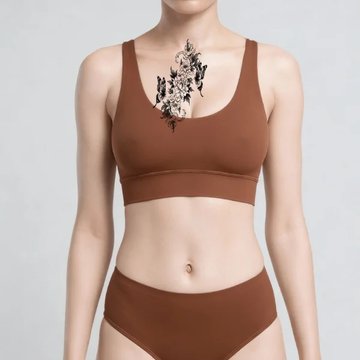
Drag the divider to compare bare skin against the preview. The upload, model and placement controls show what the studio offers — open it to use them on your own photo.
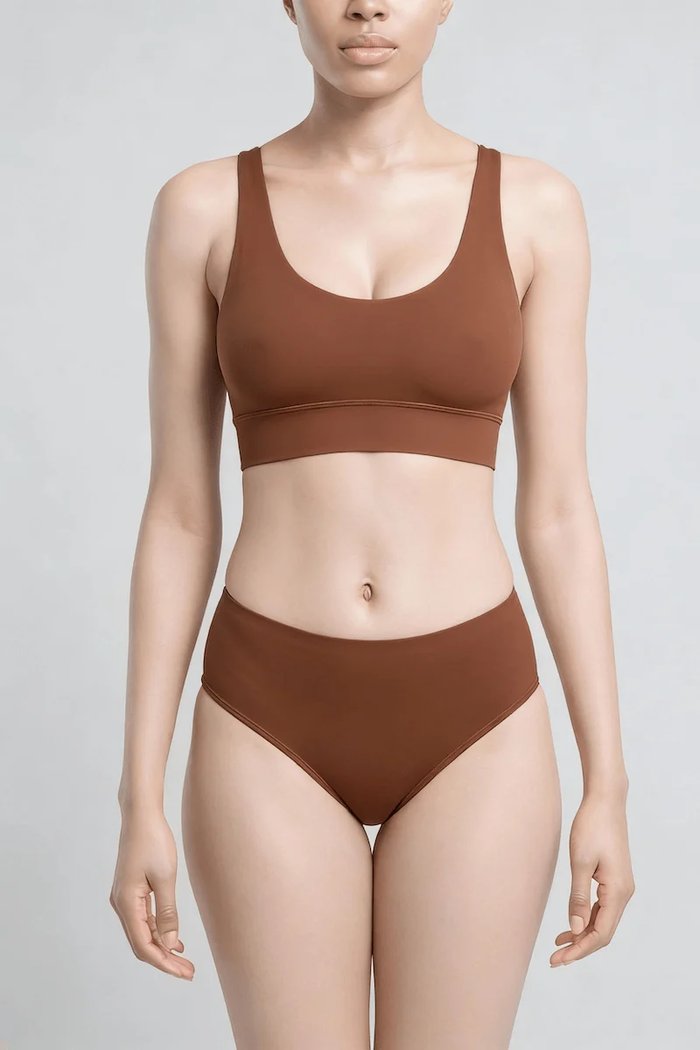 Before
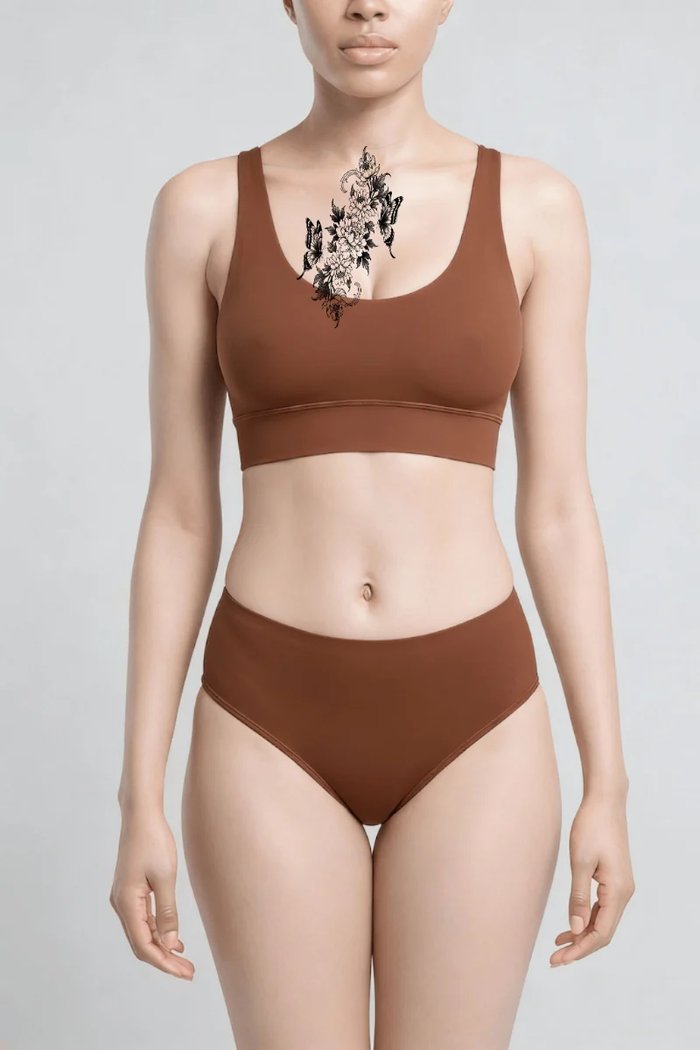 After
AfterMy Ink
Previews you export are yours to keep — nothing is published.Total 0No previews yet. Start with a design above.
Virtual Tattoo Simulator: See It on Your Sternum First
Upload a photo, drop your design on, and wipe between bare skin and the preview. Judge size, placement and flow before you book the chair — not after the needle.
Try Now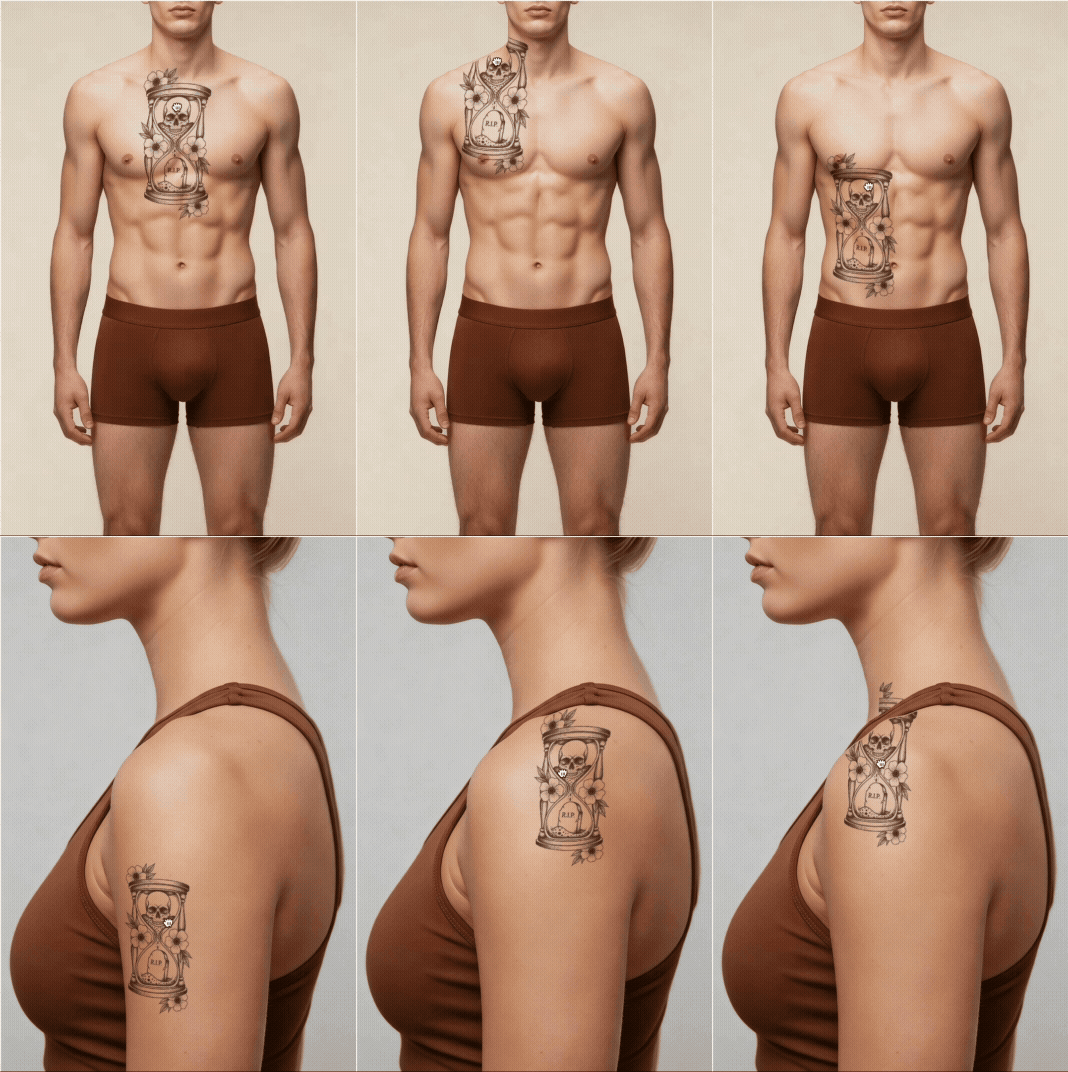
It follows your body, not a flat sticker
The design is composited in 3D against the contour and lighting of your own photo, so it curves across the sternum the way ink actually sits. That is the difference between judging a placement and guessing at one.
Compare bare skin and preview side by side
Drag the divider to wipe between your photo and the preview. Seeing the two states against each other is what makes size and position obvious — far more than looking at the preview alone.

Take the preview to your artist
Export a high-resolution image of the placement you settled on. You and your artist walk into the consultation looking at the same scale and the same spot, instead of describing it in words.
How to Try On a Tattoo — Step by Step

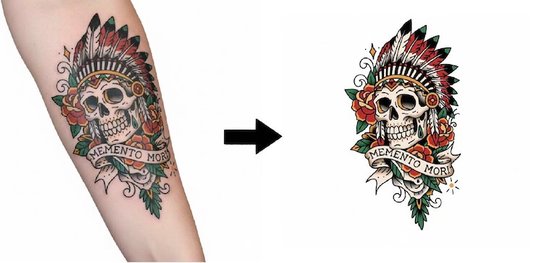
Pick a design
Upload your own artwork or start from one of the bundled sample designs.
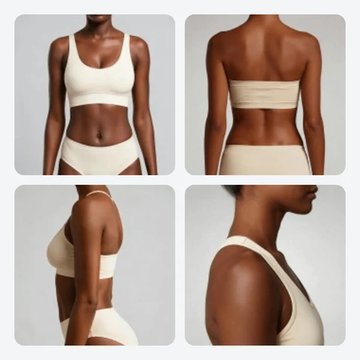
Add a body photo
Upload a clear, evenly lit photo — or skip it and use a built-in body model.
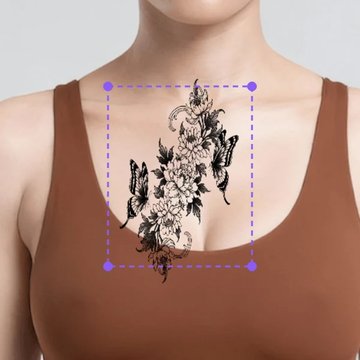
Place and scale
Drag to reposition, scale to size, and switch placements to compare.
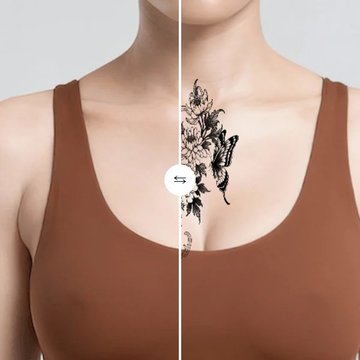
Wipe to compare
Drag the divider between bare skin and preview to judge the difference.
Export and share
Save a high-resolution image to bring to your tattoo artist.
Why preview it here first
Rendered in 3D, not pasted flat
A WebGL compositor wraps the design to the body surface using a depth pass, so the preview respects contour instead of sitting on top of the photo.
Wipe between before and after
A draggable divider compares your bare photo against the preview, which is the fastest way to judge whether a size actually works.
Body models included
Eight models per gender across multiple poses, so you can judge placement before deciding whether to upload a photo of yourself.
Skin tone matters
Preview against a range of skin tones — line weight and contrast read very differently across them, and that changes what design works.
High-resolution export
Export the preview at full resolution and bring it to your consultation, so the conversation starts from the same image.
Your photo stays yours
Uploads travel over an encrypted connection and are used only to render your preview. See the Privacy Policy for storage and retention.
Designs to try on right now
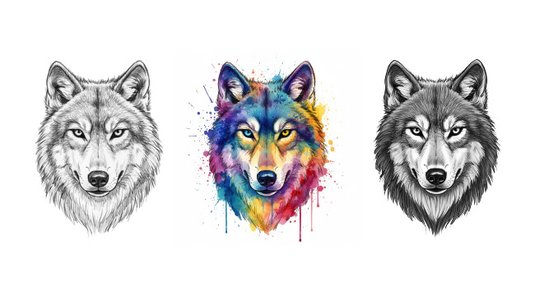
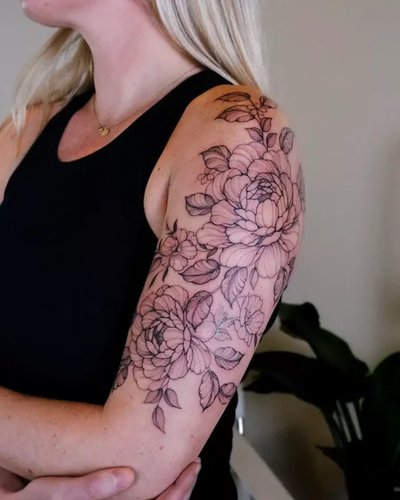
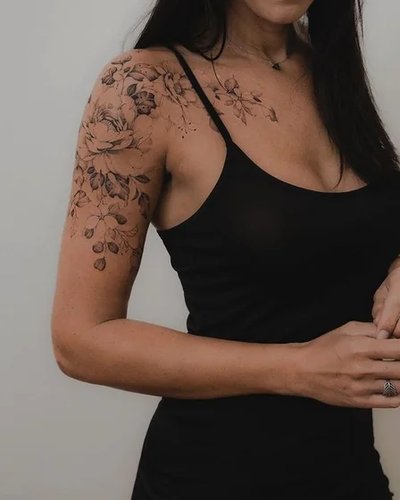
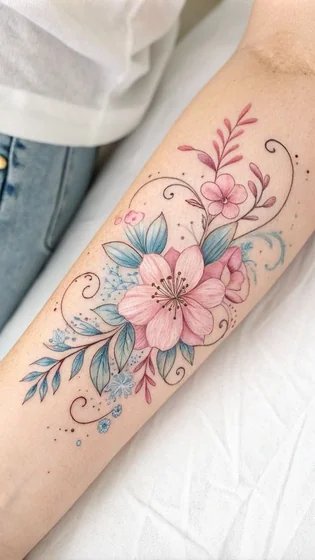
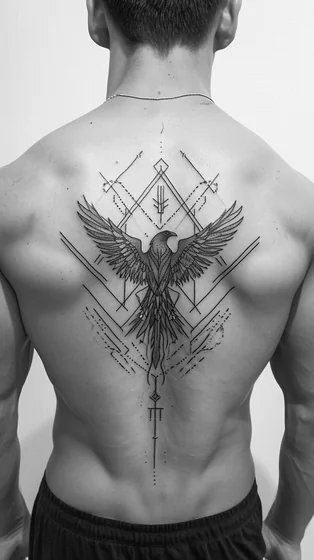
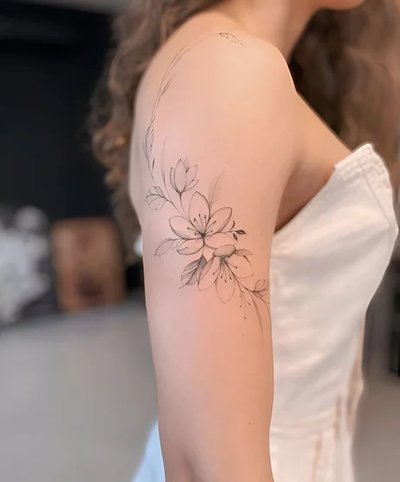
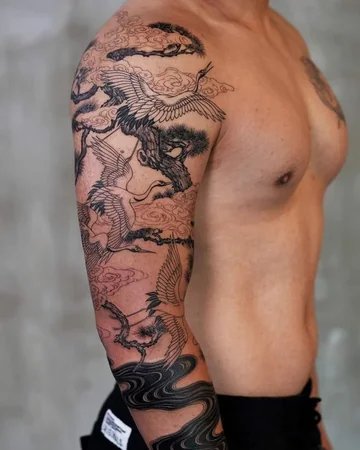
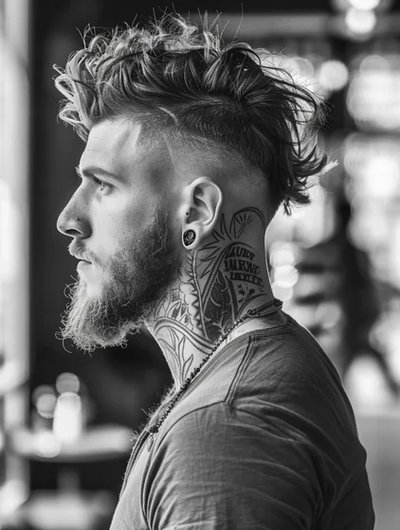
Not sure what to preview? Start from one of these and swap it out once you see how a shape sits on the breastbone.



Virtual try-on questions
A clear, evenly lit shot of the area you want inked, taken straight on. Even light and a steady angle let the renderer match your contour; harsh shadows and extreme angles are what usually make a preview look pasted on.
Yes. Built-in body models are included for every placement, so you can judge size and flow before you decide whether to upload anything of your own.
The design is composited onto the photo in 3D rather than pasted flat — it follows the curve of the body and the lighting in your image. It is a preview for judging size, placement and flow, not a photograph of a healed tattoo.
Yes. Drag to reposition, scale to size, and switch placements to compare. The before/after slider lets you wipe between your bare skin and the preview to judge the difference directly.
Yes. Export a high-resolution image of the preview and bring it to your consultation, so you and your artist are looking at the same placement and scale.
Ready to see it on your skin?
Open the 3D studio, drop a design on your photo, and wipe between before and after until the placement is obviously right.