Design Your Tattoo
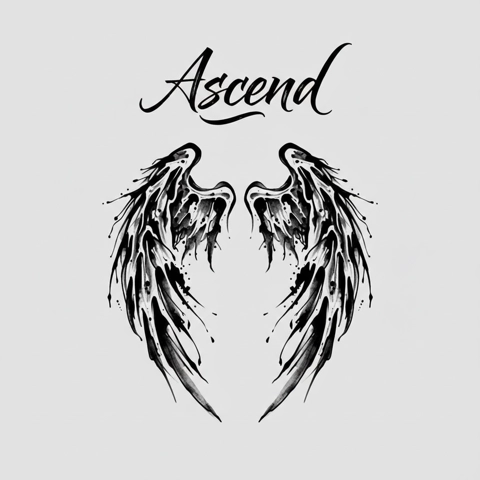
No designs yet. Generate your first tattoo above.
Create Unique Tattoo Designs with an AI Tattoo Generator
Describe the piece in plain words, pick a style and a placement, and get a clean, tattoo-ready design back. Every control on the panel feeds the prompt — nothing is decoration.
Start Designing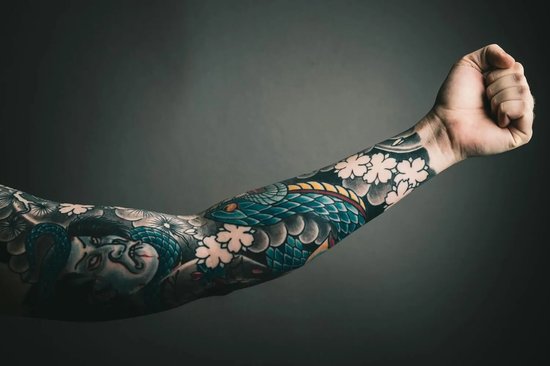
Who Can Use the AI Tattoo Generator?
You have an idea but cannot draw it
Describe the piece in plain words — subject, style, where it sits — and get a clean, tattoo-ready design back. You do not need the vocabulary of a tattoo artist to start; the style and placement controls supply the rest.
Generate Now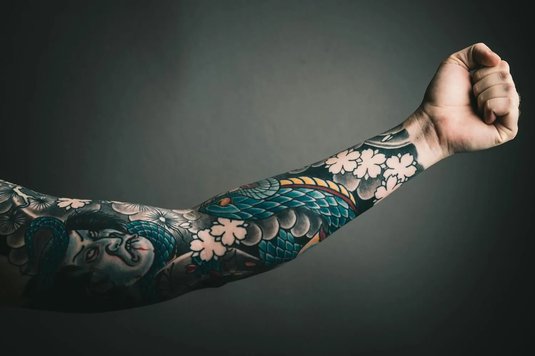
You have a reference and want it reworked
Bring an existing tattoo or photo and push it somewhere new. Remix redraws it in another style, Convert turns a photo into linework, and Extract lifts a tattoo out of a photo so you can rework it cleanly.
Generate Now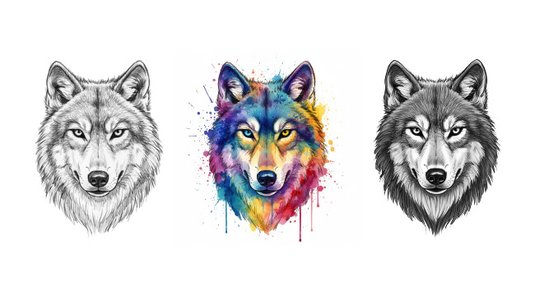
You are an artist building a flash sheet
Generate variations quickly, keep what works, and export at full resolution. The files drop straight into Procreate or Photoshop, so the output is a starting point you can actually ink over — not a flat picture.
Generate Now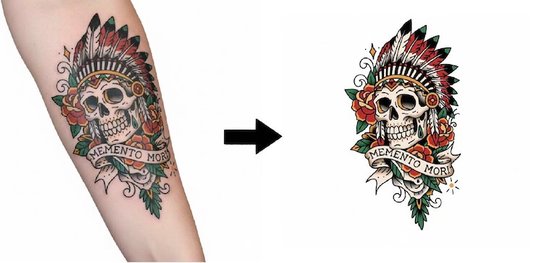
Tattoo Styles You Can Create
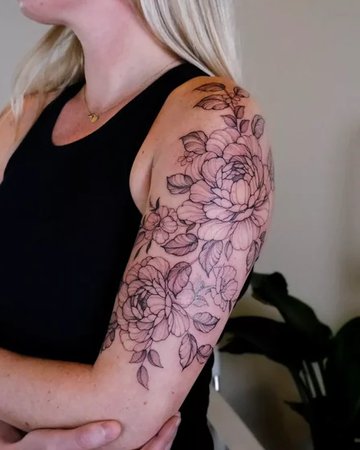
Fine line
Single-weight linework with no shading. Stays legible at small sizes and ages well.
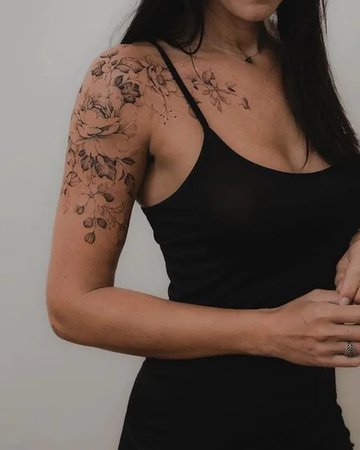
Black & grey
Grey wash shading under black linework — depth without colour, softer than solid black.
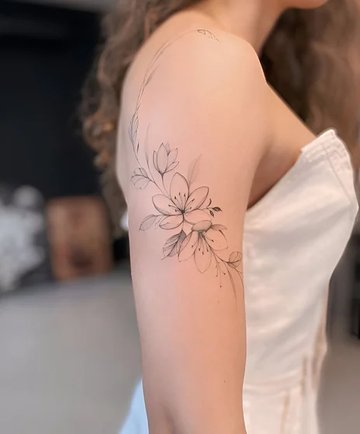
Sketch
A loose pencil feel with visible construction lines. Deliberately unfinished.
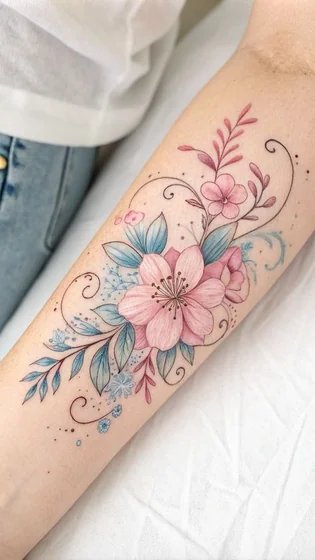
Watercolor
Soft colour washes with bleeding edges, over a light line base or none at all.
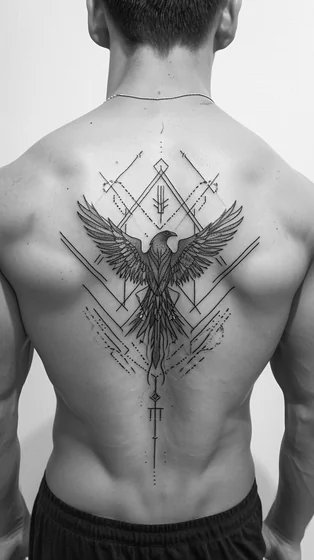
Geometric
Precise shapes, symmetry and repeated angles. Sits naturally on the body’s centre line.
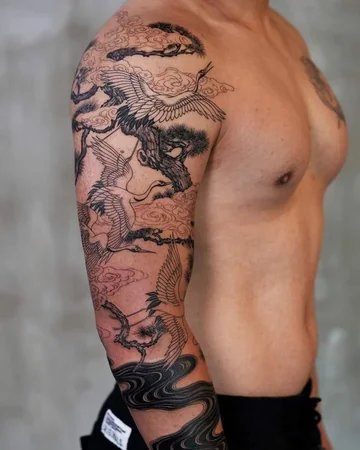
Japanese
Irezumi conventions — bold outlines, flat colour, and traditional subjects.
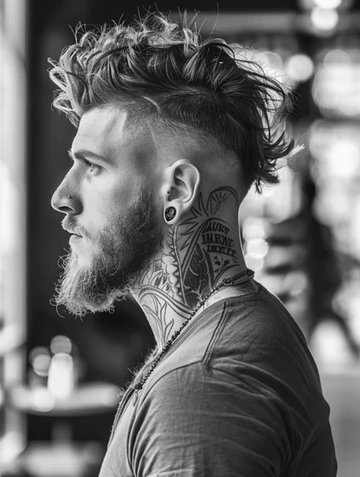
Tribal
Solid black shapes cut by sharp negative space. High contrast, no shading.
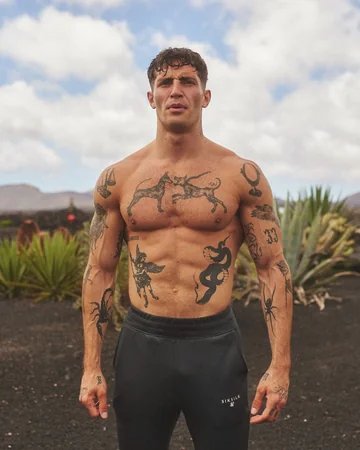
Blackwork
Heavy solid fills and strong silhouettes. The style that holds up longest over decades.
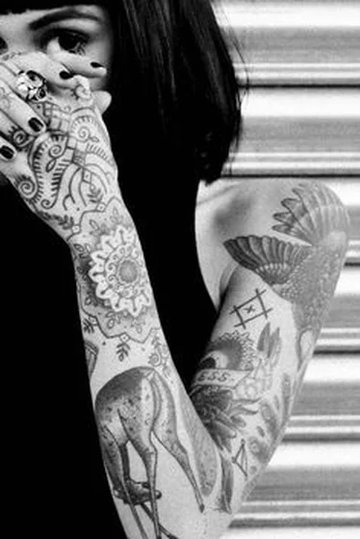
Patchwork
Separate small pieces arranged as a set rather than one single composition.
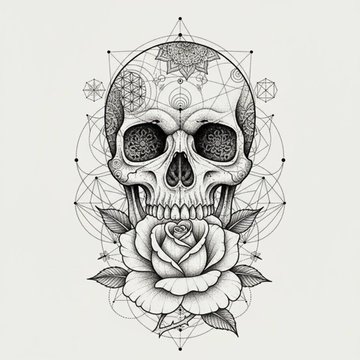
Dotwork
Shading built from stippled dots instead of lines. Slow to tattoo, very soft gradients.
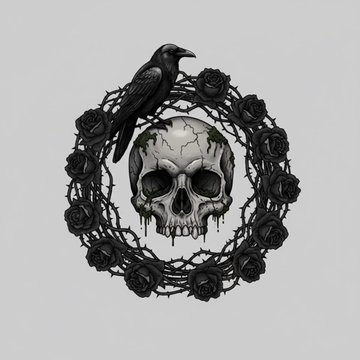
Gothic
Dark subject matter with heavy blacks, high contrast and ornamental detail.
Abstract
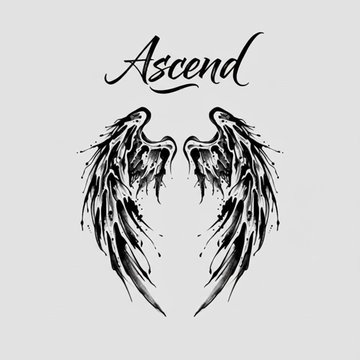
Form and movement over a literal subject. Freeform shapes that follow the body.
How It Works: Simple Steps to Your Perfect Tattoo
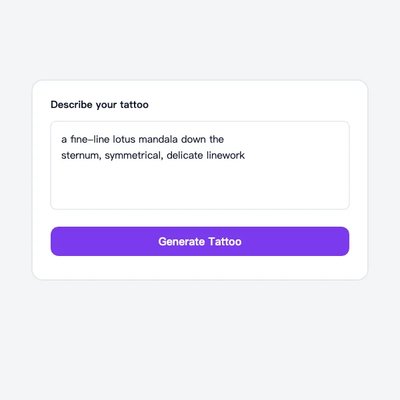
Describe the piece
Say what it is and what style it should be. Add the placement and detail level if you already know them.
Pick a style
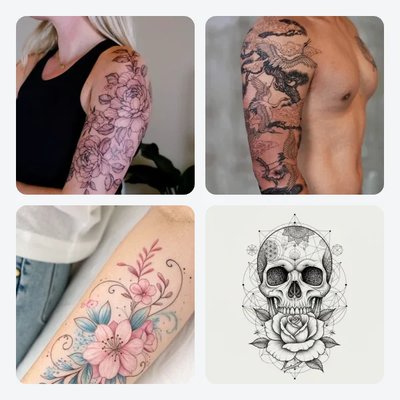
Choose a preset or a style pill to steer the look, then generate. Each control feeds the prompt directly.
Refine and export
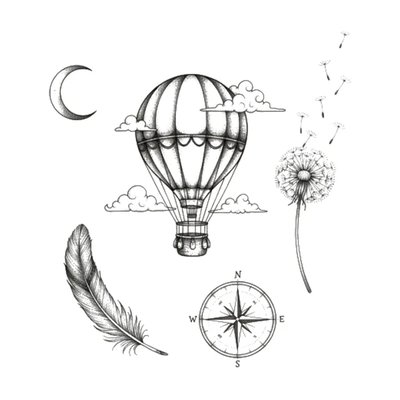
Adjust and generate again, or Remix the result to push it further. Export at full resolution when it is right.
Popular Tattoos Designed with the Generator
Start from one of these and change the style, placement or detail level until it is yours.
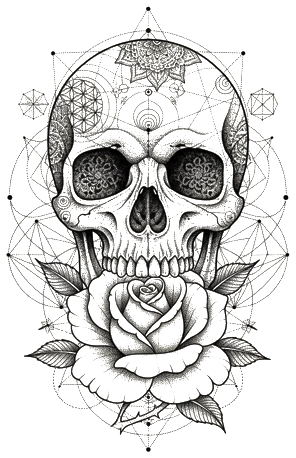
Skull & Rose
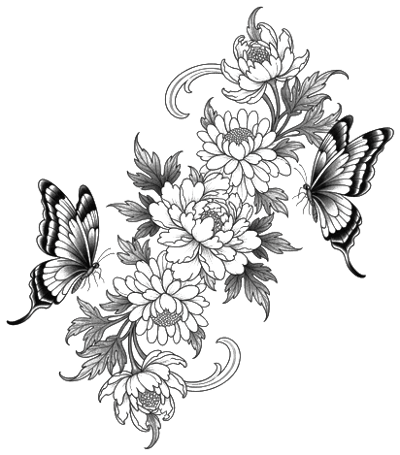
Floral Butterfly
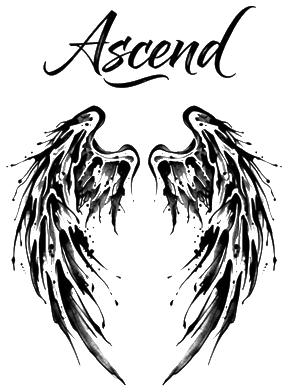
Angel Wings
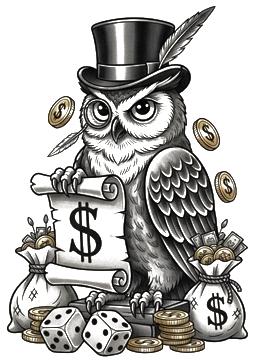
Owl
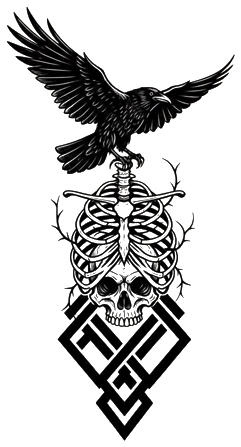
Raven & Skull
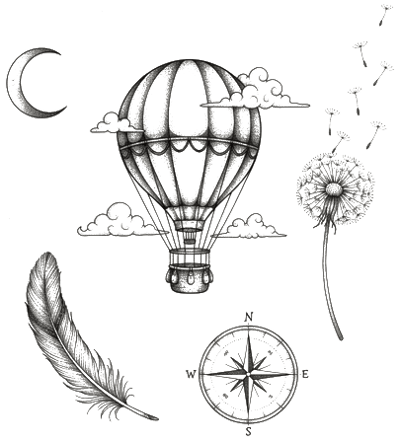
Fine-Line Journey
Why Choose Our AI Tattoo Generator?
Every control feeds the prompt
Style, placement, detail level and lettering are not decoration — each one is written into the request, so changing any of them changes the design you get back.
Built for tattoo output
Designs come back as clean linework with readable shading and correct proportions, in a vertical 3:4 frame that suits a breastbone piece.
Iterate instead of restarting
Feed a result back in with Remix to push it in a new direction while keeping the subject recognizable, rather than starting from a blank prompt again.
High-resolution export
Download at full resolution and take it to your consultation, or open it in Procreate or Photoshop to keep working on it.
See it on your body
Take any design straight into the 3D try-on and judge size and placement on a real photo before you book the chair.
Your uploads stay yours
Reference images travel over an encrypted connection and are used only to generate your design. See the Privacy Policy for storage and retention.
Frequently Asked Questions
Name the subject, then the style, then where it sits: "fine-line lotus down the sternum, symmetrical, delicate linework". Subject and style carry most of the result; the placement and complexity controls add the rest, so you rarely need a long paragraph.
Usually well under a minute. The design is generated asynchronously — the panel keeps polling and shows the result as soon as it is ready, so you can leave the tab open rather than resubmitting.
A 2K generation costs 10 credits and a 4K generation costs 16. New accounts start with free credits, so you can try the generator before paying anything.
A high-resolution image in a vertical 3:4 frame by default, which suits a breastbone piece. You can download it and take it straight to an artist, or bring it into Procreate or Photoshop to keep working on it.
Yes — adjust the prompt, style or complexity and generate again, or feed the result back in with Remix to push it in a new direction while keeping the subject recognizable.
Start Designing Your Tattoo Today
Describe the piece, pick a style, and see it in under a minute. New accounts start with free credits.
Generate a Design