Design Your Tattoo
Your design will appear here
Describe the piece on the left, pick a style and a placement, then generate. Not sure where to start? Use Inspiration.
No designs yet. Generate your first tattoo above.
Tattoo Stencil Maker: Turn Any Photo Into a Clean Stencil
Upload a photo, a drawing or an existing tattoo, and this tattoo stencil maker traces it into clean, single-weight linework you can print and transfer. High-resolution export, no pixelated lines, no thermal printer needed just to make the stencil — the outline is ready for Procreate, transfer paper, or your stencil printer in seconds.
Built for tattoo beginners and apprentices, stick-and-poke artists, and anyone tired of fighting a thermal printer or squinting at a low-res phone photo. Bring the idea; the maker handles the clean linework.
Make a stencil freeHow to Make a Tattoo Stencil From a Photo
- 1
Upload a photo or drawing
Drop in a reference photo, a rough sketch, or an existing tattoo you want to reuse. Anything with a clear subject works — you do not need clean lines to start.
- 2
Convert it to clean linework
The maker traces your image into single-weight tattoo linework. Convert redraws a photo or sketch into a stencil; Extract lifts a tattoo out of a photo, dropping the skin and background.
- 3
Download, print and transfer
Export a high-resolution, print-ready file. Send it to a thermal printer or Procreate, size it to the body, and transfer it to skin — the stencil is ready to ink over.
A Cleaner Stencil, Without the Printer Fight
No pixelated lines
Stencils export at up to 4K, so the linework stays crisp when you scale or print it — none of the jagged edges you get from upscaling a screenshot or a small phone photo.
Print-ready, not a flat picture
You get clean, single-weight outlines that drop straight into Procreate, Photoshop or thermal-printer software — ready to transfer, not a shaded render you have to redraw.
Any tattoo style
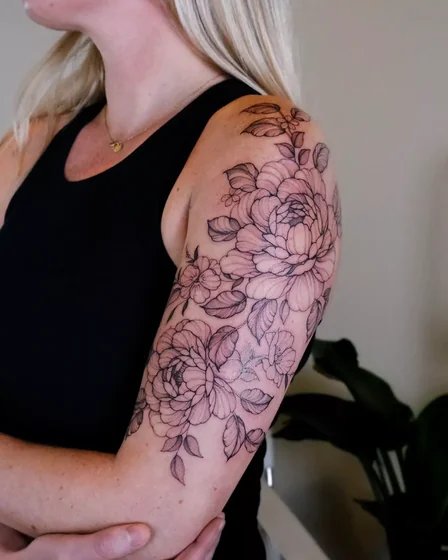
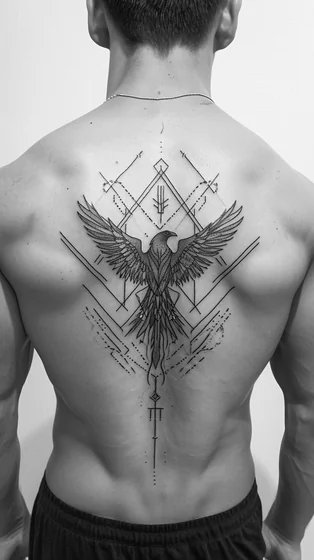
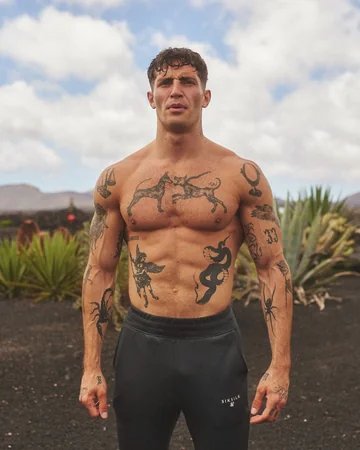
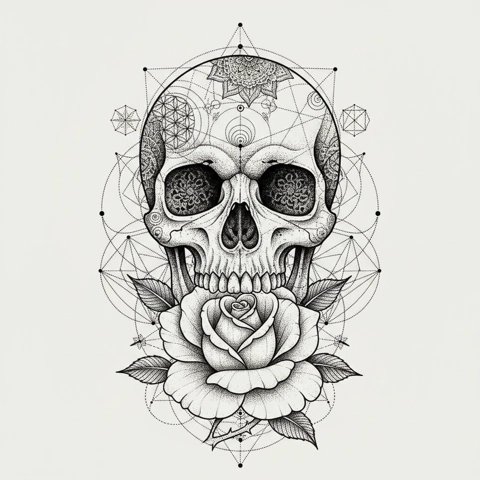
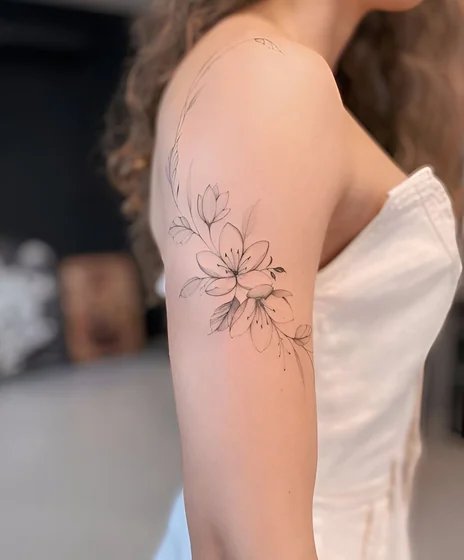
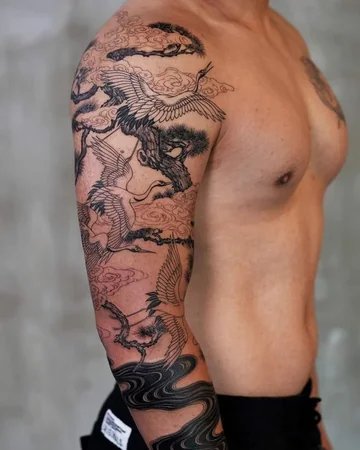
Fine-line, blackwork, dotwork, geometric or Japanese — the maker keeps the linework readable in the style you choose, so the stencil suits the piece you are actually planning.
Free to start
New accounts start with free credits, so you can turn a photo into a stencil and judge the linework before paying — no thermal printer to buy just to test an idea.
Stencils in Every Style
Tattoo Stencil Maker FAQ
How do I turn a photo into a tattoo stencil?
Upload the photo or drawing, and the maker traces it into clean, single-weight tattoo linework you can use as a stencil. Convert redraws a photo or sketch into linework; Extract lifts an existing tattoo out of a photo, dropping the skin and background.
Will the stencil come out pixelated?
No. The stencil is exported at high resolution (up to 4K), so the lines stay crisp when you scale or print it — instead of the jagged, low-res edges you get from upscaling a screenshot or a small phone photo.
Do I need a thermal stencil printer to use this?
No printer is needed to make the stencil — you get a clean, print-ready file. To put it on skin you still print and transfer it yourself, on a thermal printer or by hand; the tool prepares the stencil, it does not apply it.
What file do I get, and does it work in Procreate?
A high-resolution image file. It drops straight into Procreate, Photoshop or your stencil printer software, so you can resize it, tidy a line, or send it to transfer paper.
Can I tattoo straight from the stencil?
The stencil is the outline to transfer, not the finished tattoo. Print it, transfer it to skin, then tattoo the lines — the maker handles the design and linework, not the transfer or the tattooing itself.
Turn your photo into a clean stencil
Upload a photo or drawing and get a clean, print-ready tattoo stencil in seconds — free credits to start.
Make a stencil freePrefer to design from words? Try the AI tattoo generator.